 SPREADSHEET
 Length and width
Confirm total length, wearable range, hole spacing and strap width rather than relying on one size label.
Search MyCNBox spreadsheet belt finds by brand, price reference and recorded QC-photo availability. Use this directory to search and filter current snapshot records. Open the focused guide for deeper comparison advice, then verify the exact option on the current listing.
These checks are more useful than judging a product from one thumbnail or its saved price alone.
Confirm total length, wearable range, hole spacing and strap width rather than relying on one size label.
Compare buckle shape, finish, attachment points and visible alignment from more than one angle.
Review stitching, painted edges, hole cutting and the transition between strap and buckle.
Search within this category, prioritize recorded QC signals or reorder the saved price references.


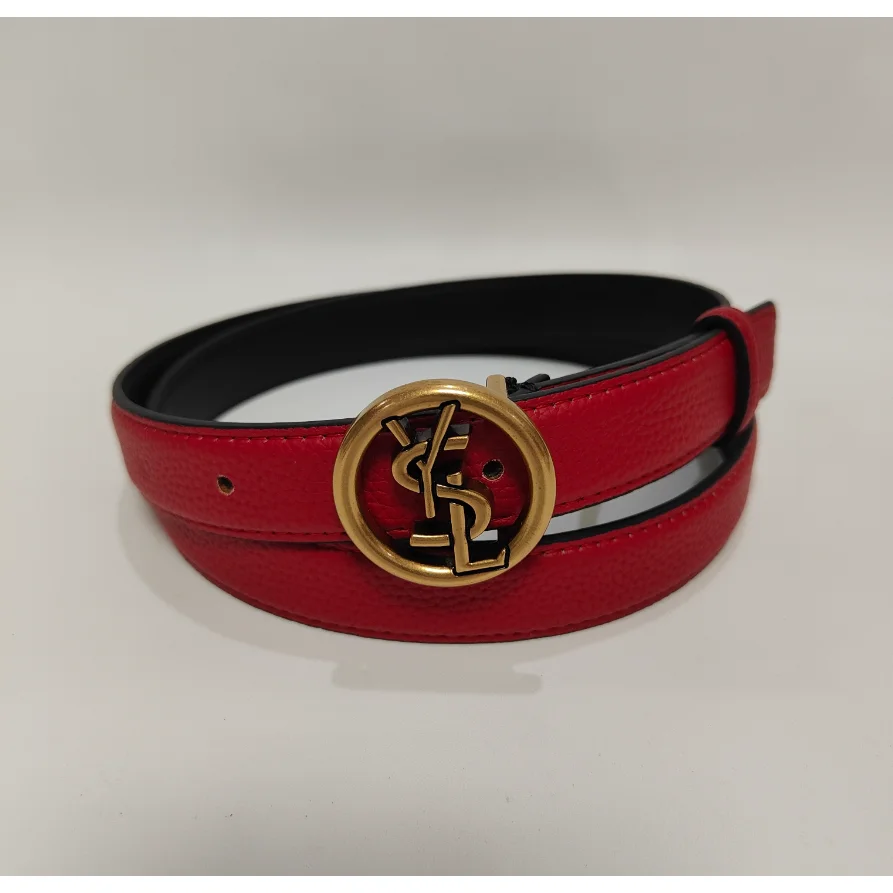

Try a shorter product name, remove the QC filter or browse the complete spreadsheet.
Start with measurements. A familiar size label does not guarantee the same wearable length across different listings.
Use close photos to compare buckle shape, stitching and edge finishing, then verify the current color, width and available size on the live page.
This page remains a filterable directory. Use the linked focused spreadsheet guide for topic-specific comparisons and the QC guide for visual checks. Current price, stock, size and options must be confirmed on the live listing.
Use the category page for discovery and comparison, then confirm current information before acting.
Use the seller’s current measurements and compare the wearable range with a belt you own. Do not rely only on trouser size.
No. It only records how many images were available in the saved snapshot.
This build contains 21 consolidated belts records. The count can change when the catalog snapshot is refreshed.
No. Prices and product details are saved references. Open the current live listing to verify stock, variants and the latest price.

