 SPREADSHEET
  AI Try-On
 Independent searchable catalog · Updated October 12, 2026
Search the MyCNBox spreadsheet.
Search 392 saved products by category, brand, price and QC-photo availability. Review each catalog snapshot, then verify current details on the live listing.
This is an independent product directory, not an official MyCNBox Google Sheet or Excel download.
- 392
- saved records
- 392
- with images
- 16
- with QC signals
- October 12, 2026
- snapshot date
Browse indexable collections
Start with a MyCNBox spreadsheet category.
Focused product pages with category-specific QC, pricing and research guidance.
 3 QC AI Try-On
  AI Try-On
  AI Try-On
  AI Try-On
  AI Try-On


 Verify label




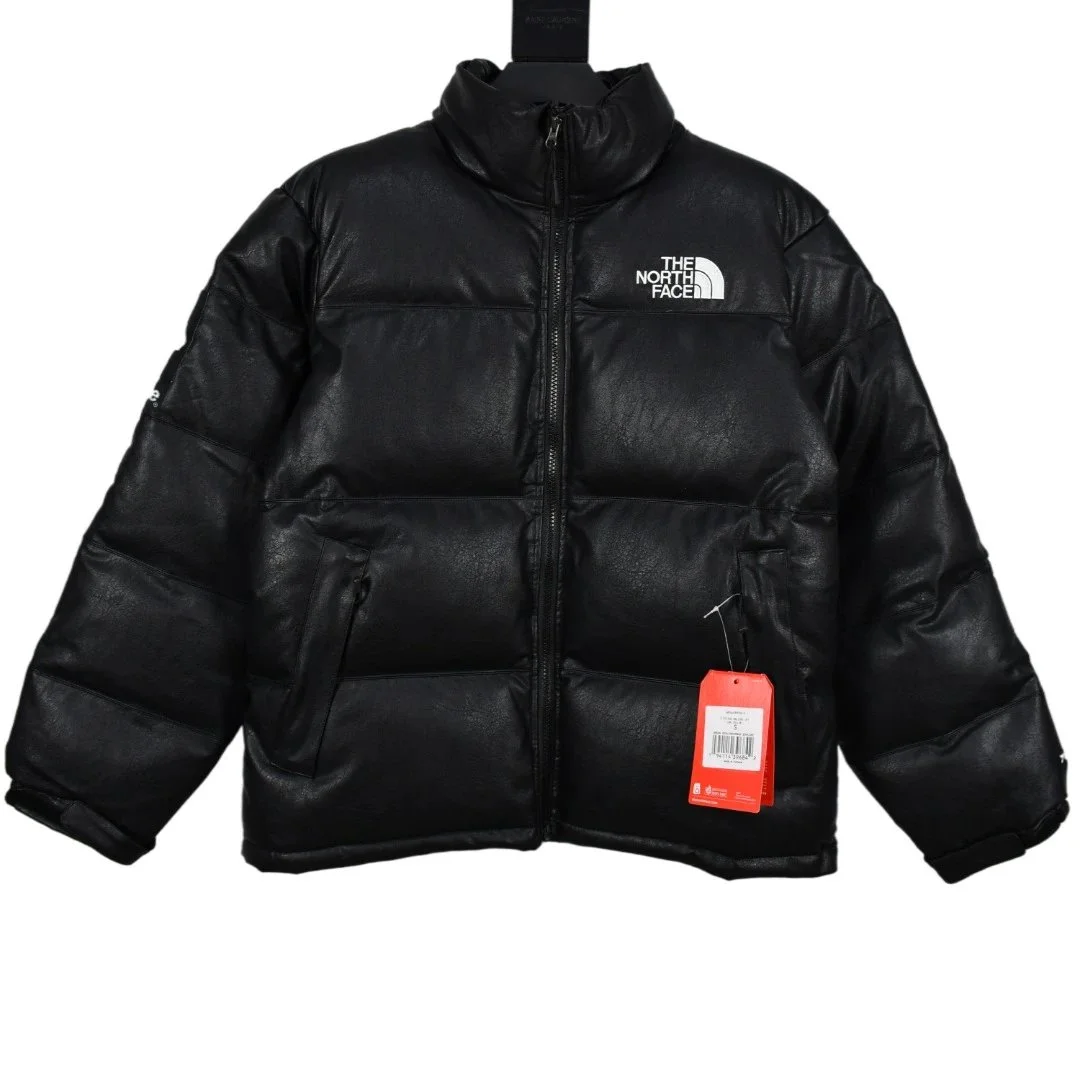
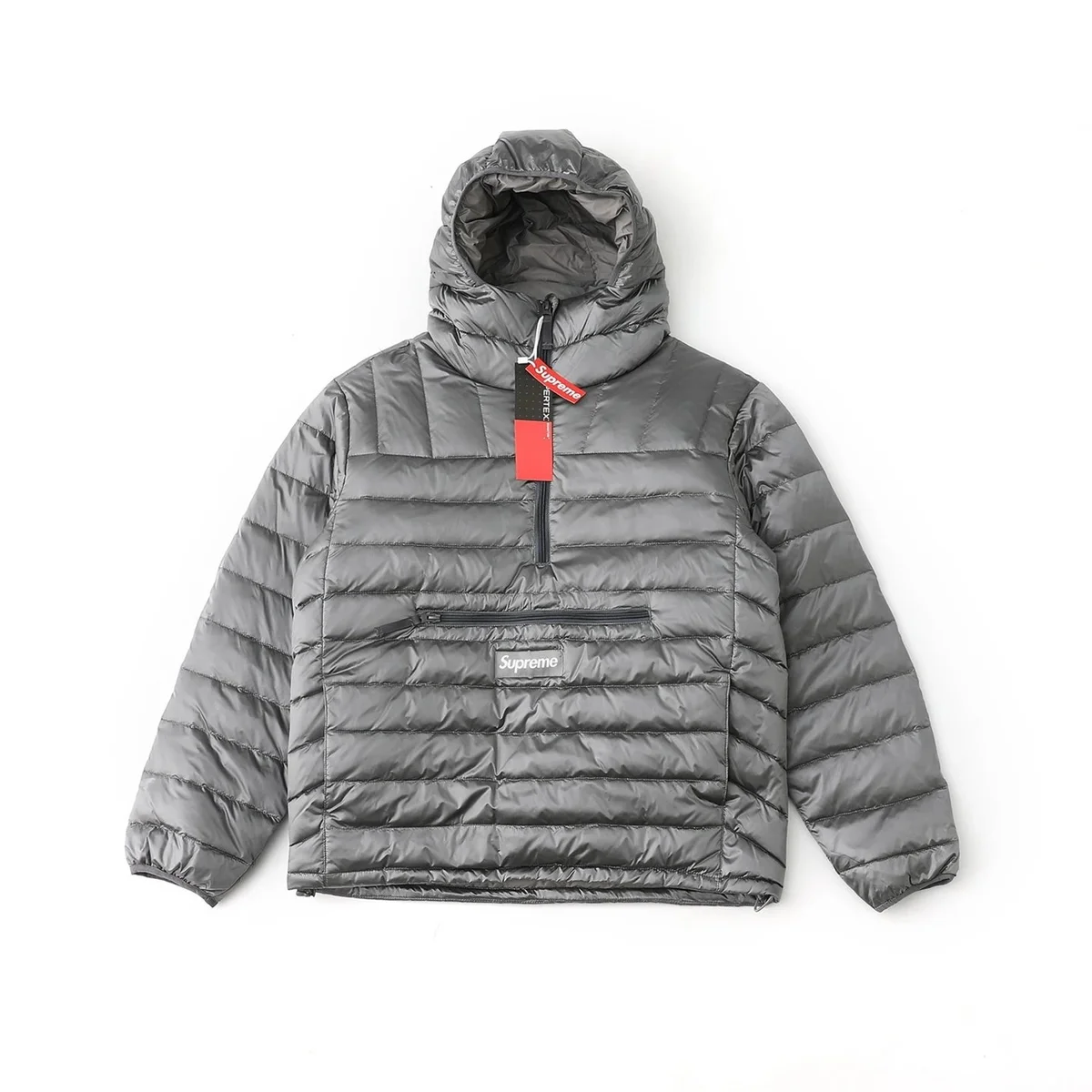





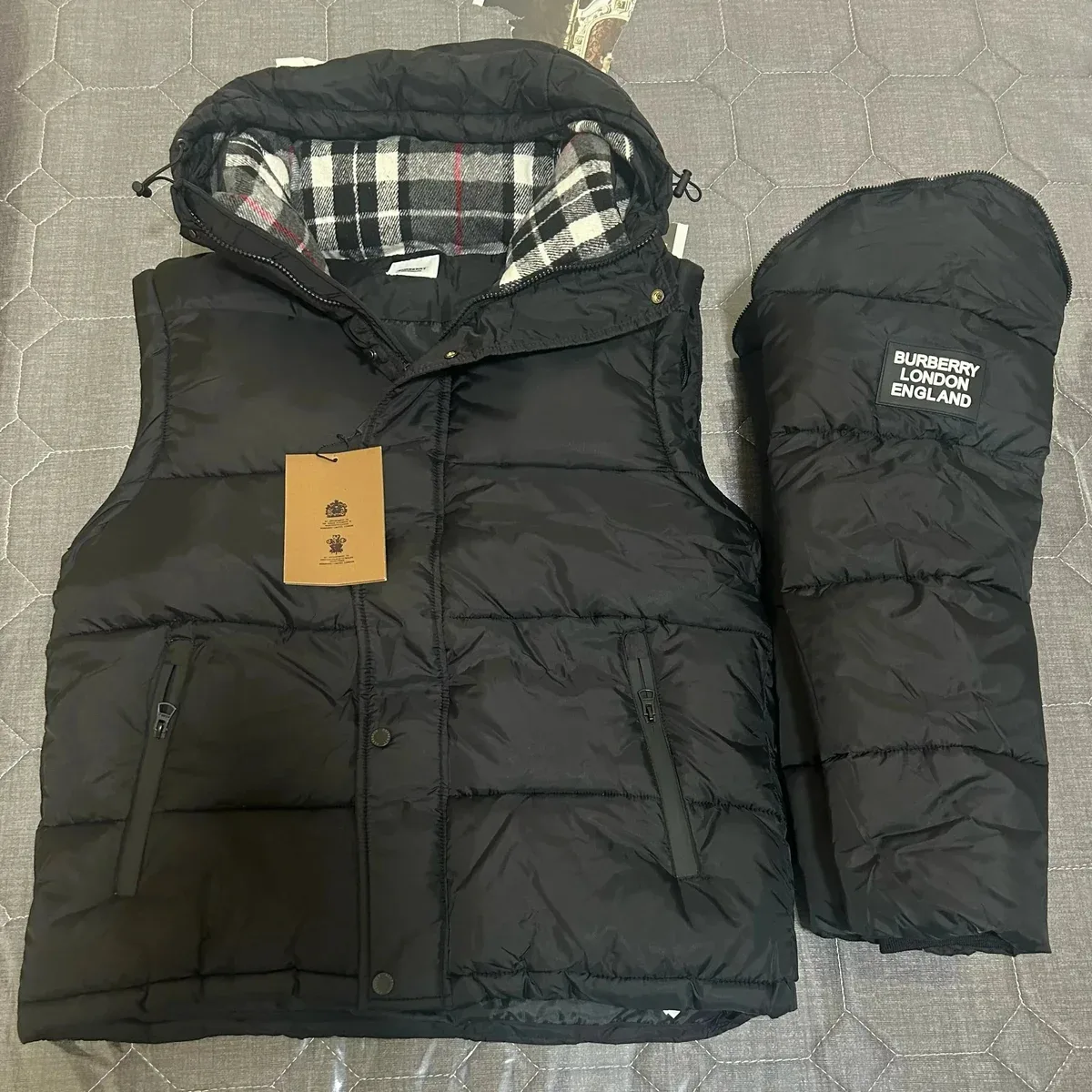













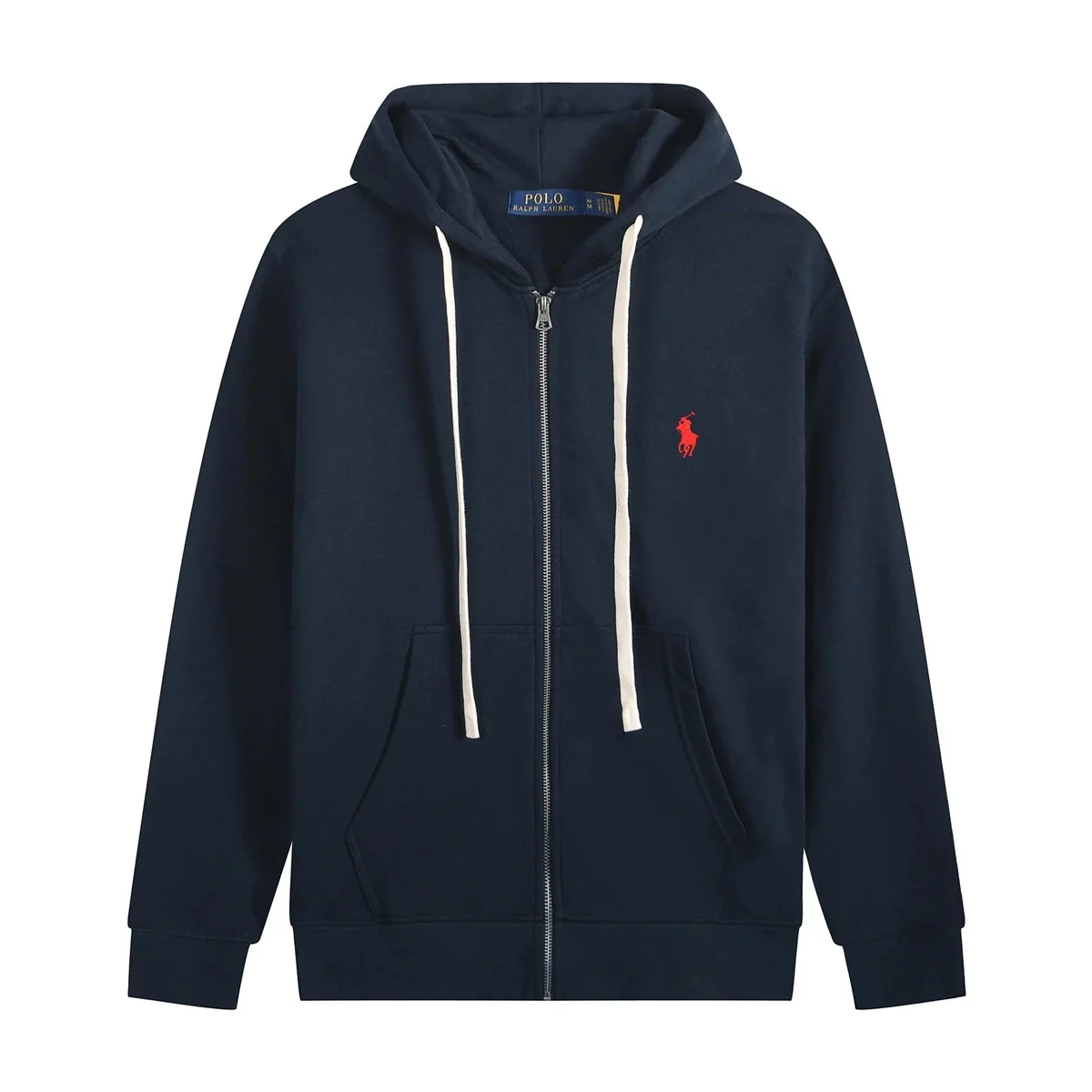


No exact matches yet.
Try a shorter product name, a broader category or clear the product signal.
Browse popular brands
Dedicated MyCNBox spreadsheet brand pages.
Start with a brand-focused index, then narrow by model, category or QC-photo availability.
What the MyCNBox spreadsheet actually is
“Spreadsheet” does not have to mean opening an Excel file or scanning a Google Sheet row by row. Here it means an organized product dataset presented as a searchable catalog with product records, categories, images, price context and direct paths to current listings.
How this searchable MyCNBox spreadsheet works +
A large raw sheet can still be difficult to navigate. Rows become hard to compare, image links interrupt the browsing flow, and similar product names make it easy to lose your place. This page turns that research into a browsable hierarchy from the main MyCNBox spreadsheet into categories, products, QC guidance and shipping information.
Use it to narrow a broad catalog into a manageable shortlist. You can search a product type such as puffer jacket, a brand such as Nike or Burberry, or a model name you already know. Each local product page keeps the saved title, price reference, category, available imagery and QC-photo count together.
The spreadsheet is not a checkout and it is not a promise that a listing has stayed unchanged. Product prices, sizes, colors, seller details and availability can move after the snapshot date. The saved record helps you discover; the live listing is where you re-check.
Read each record correctly
What is inside this MyCNBox spreadsheet?
Every field has a limited purpose. Use the saved data to discover and compare candidates, then re-check anything that could have changed on the live destination page.
How the catalog is maintained →- Product title
- A searchable saved name used to locate related models and variants.
- Category
- A browsing lane for narrowing a large catalog into relevant products.
- Price snapshot
- A saved CNY value with an approximate USD reference—not a live quote.
- QC-photo count
- The number of quality-control images recorded when that signal is available.
- Live destination
- A direct route to the current listing for re-checking details.
01
02
03
04
05
Continue your research
MyCNBox spreadsheet guides and checks
Use these supporting pages to move from a broad product search into QC review, shipping planning and live-listing verification.
01
How to use MyCNBox
A beginner path from finding a product to checking the live listing.
Explore topic →02MyCNBox spreadsheet QC photos
Browse records with QC signals and learn what those images can show.
Explore topic →03MyCNBox shipping guide
Separate product price from parcel weight, shipping and destination costs.
Explore topic →04Is MyCNBox legit?
Review the platform workflow, limitations and checks before relying on it.
Explore topic →05Catalog methodology
See how snapshot dates, product fields and corrections are handled.
Explore topic →06All spreadsheet finds
Search the complete directory by product, brand, category or item ID.
Explore topic → Research workflow
How to use the MyCNBox spreadsheet
The safest way to use a product directory is as a sequence of checks, not as a single recommendation.
Read the full beginner guide →- 01
Search with a short query
Begin with a brand, model or product type. Short searches usually expose useful variations that an exact copied caption may miss.
- 02
Open the local product record
Review the saved image, category, price snapshot and any QC-photo signal. Note what still needs verification.
- 03
Check the live listing
Confirm the current price, stock, variants and seller details on the destination page. Treat the live page as the source of truth for transaction details.
- 04
Evaluate evidence independently
QC photos can help you inspect visible details, but they do not establish authenticity, materials, durability or import eligibility.
What a spreadsheet cannot confirm
A catalog record can organize information, but it cannot verify every claim attached to a product. A title, logo image, price or QC-photo count does not prove authenticity. It also cannot guarantee materials, fit, manufacturing quality, shipping time, customs treatment or the condition of the item that eventually arrives.
Take extra care when a decision depends on details that are absent from the current listing. Look for enough product angles, confirm the exact variant, understand the full parcel cost and keep records of the live page and relevant platform messages. Customs rules and consumer remedies vary by destination, so use official local sources for country-specific guidance.
Before relying on a saved find ✓ Confirm the live price and available variant ✓ Review current images and listing details ✓ Separate product price from shipping cost ✓ Check destination-specific import rules ✓ Save the page and relevant communications Read the data methodology →
Frequently asked questions
MyCNBox spreadsheet FAQ
Direct answers about the purpose, freshness and limitations of this searchable catalog.
What is the MyCNBox spreadsheet?+
The MyCNBox spreadsheet is a product-research format used to browse saved listings by product name, brand, category, price and available visual signals. This independent version turns the underlying snapshot into searchable pages and does not operate MyCNBox.
Is this the official MyCNBox spreadsheet?+
No. This site is an independent research directory built from a catalog snapshot. It is not owned, operated or endorsed by MyCNBox. Current transaction details remain on the linked live platform page.
Are the prices in the spreadsheet current?+
Not necessarily. Prices are saved references from the displayed dataset date and may change afterward. Open the current live listing to confirm the price, variants, availability and seller information.
What does QC mean in a MyCNBox spreadsheet?+
QC refers to quality-control photos associated with a product or order workflow. A QC count shows how many images were recorded in this snapshot. It does not prove authenticity, materials, condition or overall quality.
How should I search the spreadsheet?+
Start with a short product type, model or brand, then narrow the results by category or QC availability. Review the local product record first and use the Live link to verify the latest listing before relying on any saved detail.
Is the MyCNBox spreadsheet a Google Sheet or Excel file?+
Not on this site. The word spreadsheet describes the organized product dataset, but the records are presented as searchable catalog pages because cards, categories and local product pages are easier to browse than raw rows and cells.
How often is this MyCNBox spreadsheet updated?+
The current catalog snapshot was generated on October 12, 2026. Updates are published in batches, and the date describes the dataset build—not a guarantee that every linked seller page changed at the same time.
Can I buy directly from this spreadsheet?+
No. This directory is for product research and navigation. Product cards open local reference pages, while clearly labeled Live links continue to the current listing so you can verify the details and decide what to do next.
Ready to narrow the list?
Search all 392 MyCNBox spreadsheet finds.
Build a shortlist here, then confirm the current listing details before acting.