 SPREADSHEET
 Both pieces included
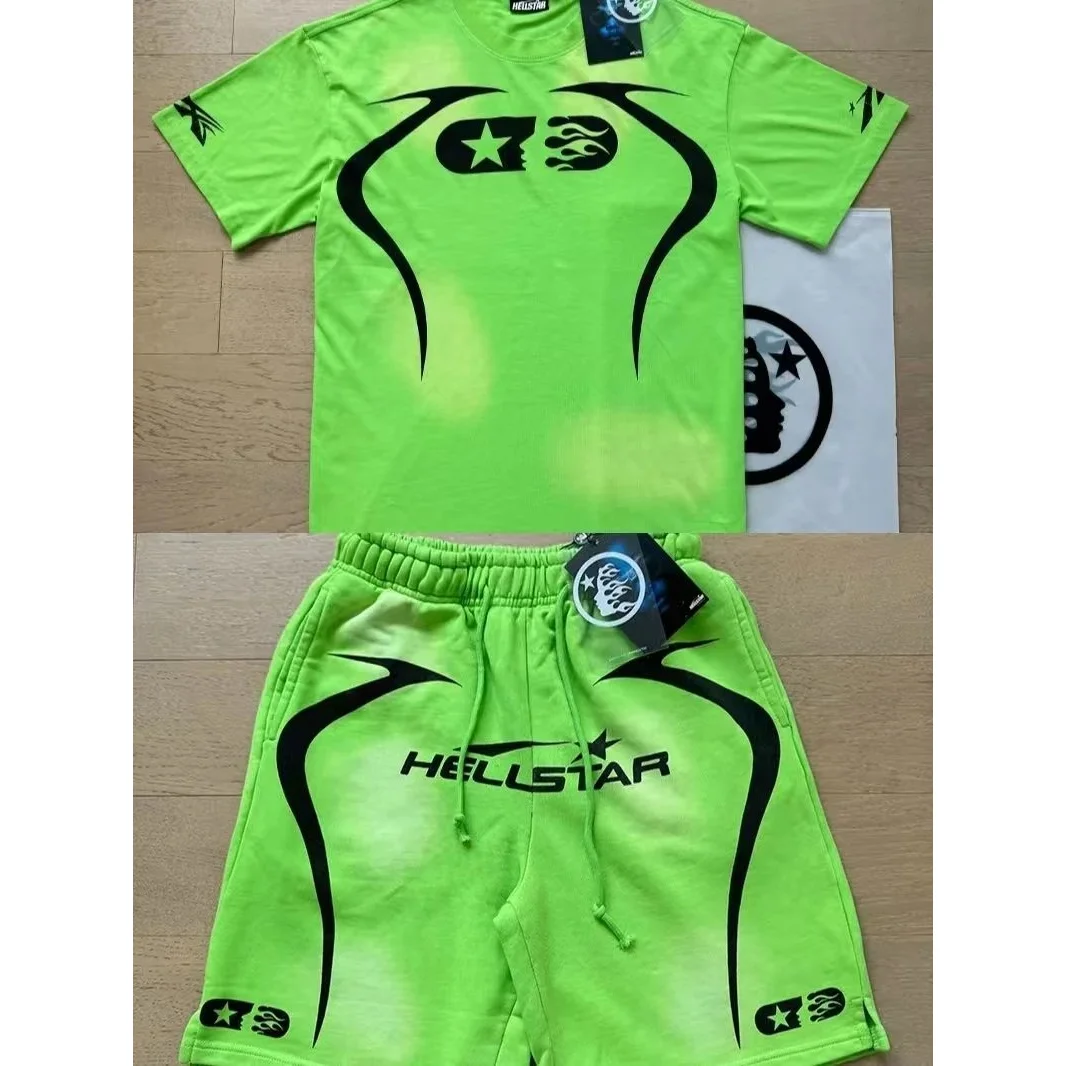
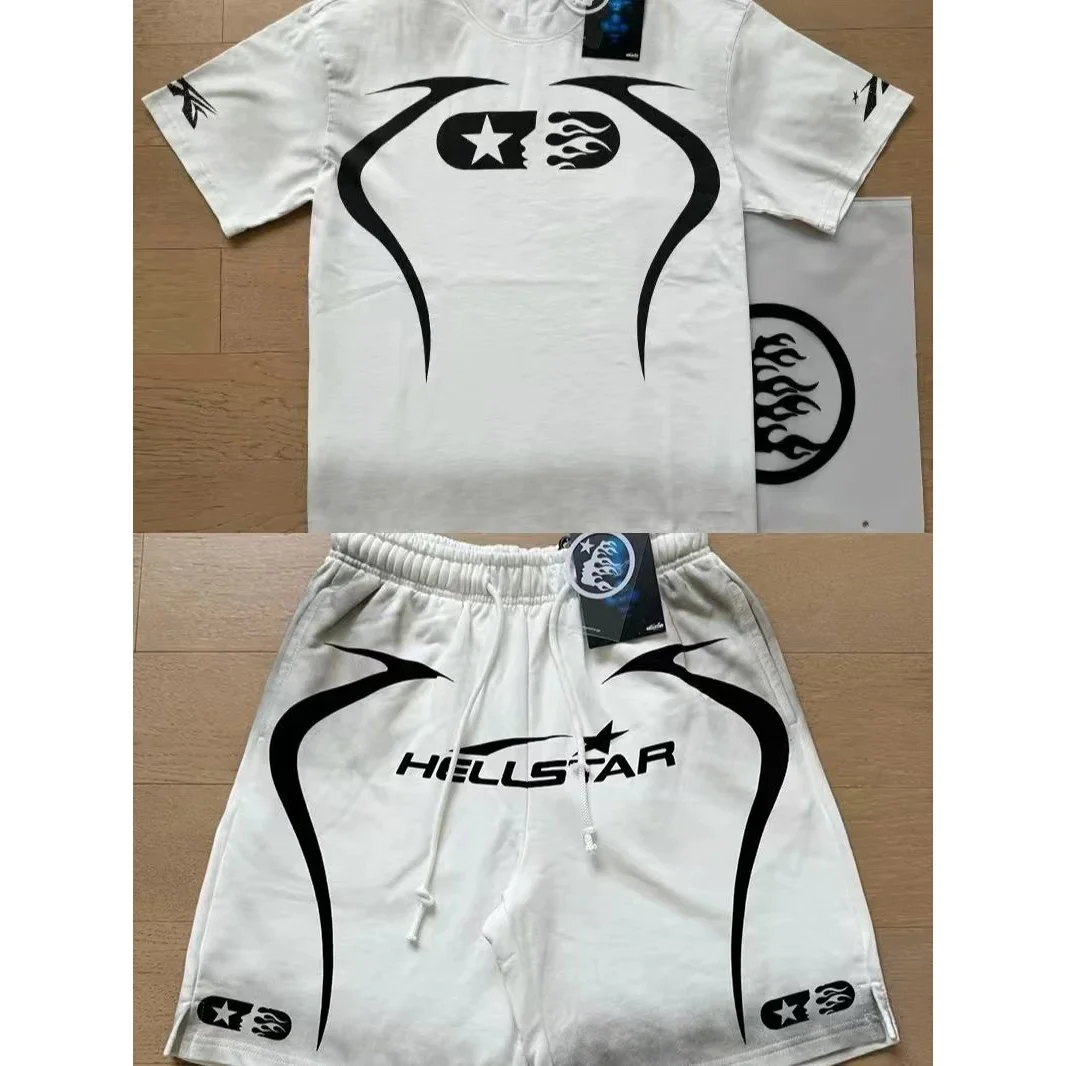
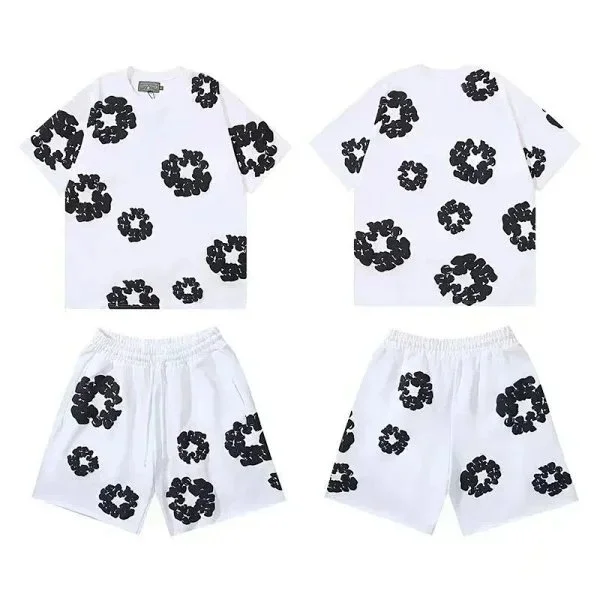
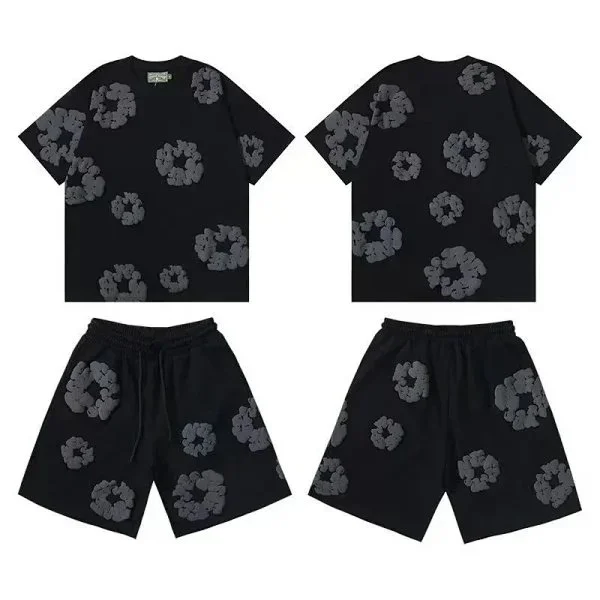
Confirm the selected option includes the complete set rather than only the top or bottom.
Search matching tops, shorts, trousers and tracksuit-style sets in one MyCNBox spreadsheet category. Use this directory to search and filter current snapshot records. Open the focused guide for deeper comparison advice, then verify the exact option on the current listing.
These checks are more useful than judging a product from one thumbnail or its saved price alone.
Confirm the selected option includes the complete set rather than only the top or bottom.
Check top and bottom measurements independently because one shared size may fit differently.
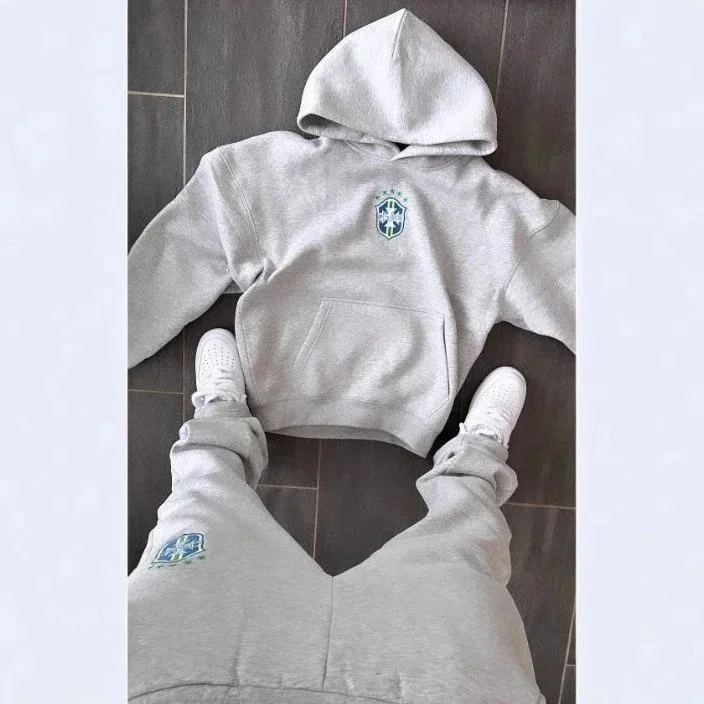
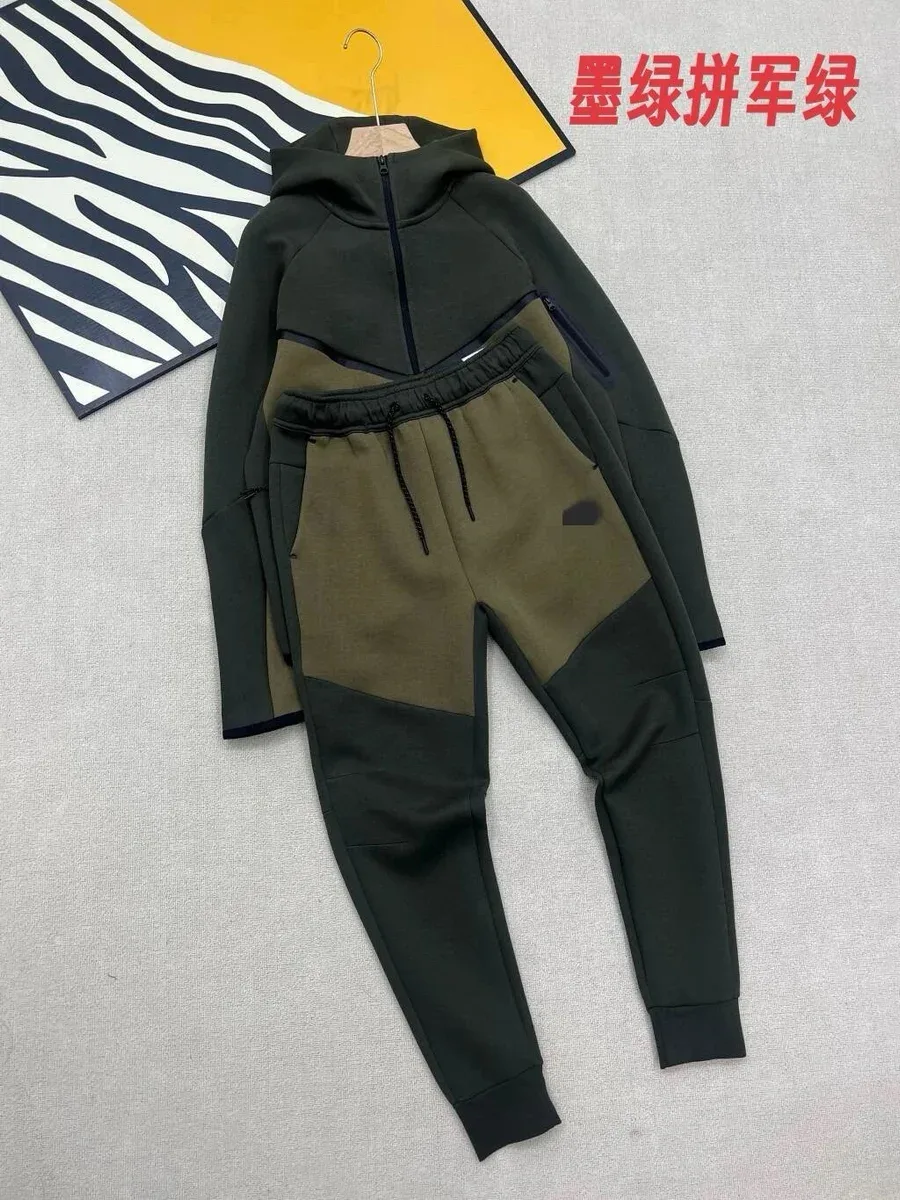
Compare fabric color, logos, piping and hardware across both pieces in the same lighting.
Search within this category, prioritize recorded QC signals or reorder the saved price references.












Try a shorter product name, remove the QC filter or browse the complete spreadsheet.
First confirm what the option includes. Some listings show a full outfit while the selectable variant covers only one piece.
Review separate measurements for the top and bottom, then compare matching color, print placement and trim across the set.
This page remains a filterable directory. Use the linked focused spreadsheet guide for topic-specific comparisons and the QC guide for visual checks. Current price, stock, size and options must be confirmed on the live listing.
Use the category page for discovery and comparison, then confirm current information before acting.
Not always. Verify the selected option and current description before assuming both pieces are included.
That depends on the live listing. Many sets use one shared size, so check the current option structure.
This build contains 37 consolidated co-ord sets records. The count can change when the catalog snapshot is refreshed.
No. Prices and product details are saved references. Open the current live listing to verify stock, variants and the latest price.